


EON AI VENTURES · WORK INTELLIGENCE Venture websites Existing product catalogue Sign in
EON AI Ventures home
Illustration: A worker facing a refinery and its illuminated digital twin.

PRODUCT FAMILY

The Digital Twin

Build the context for work. Understand the equipment and practise the task before the real job.

Illustrative image

FROM EQUIPMENT TO WORK CONTEXT

See the equipment.
Understand the task.

Connect the source, the machine and the work people need to practise.

Illustration: A refinery at dusk with a blue digital overlay connecting equipment to its twin.

EON Universal

Build reviewed equipment and facility context from approved references.

Explore ↗
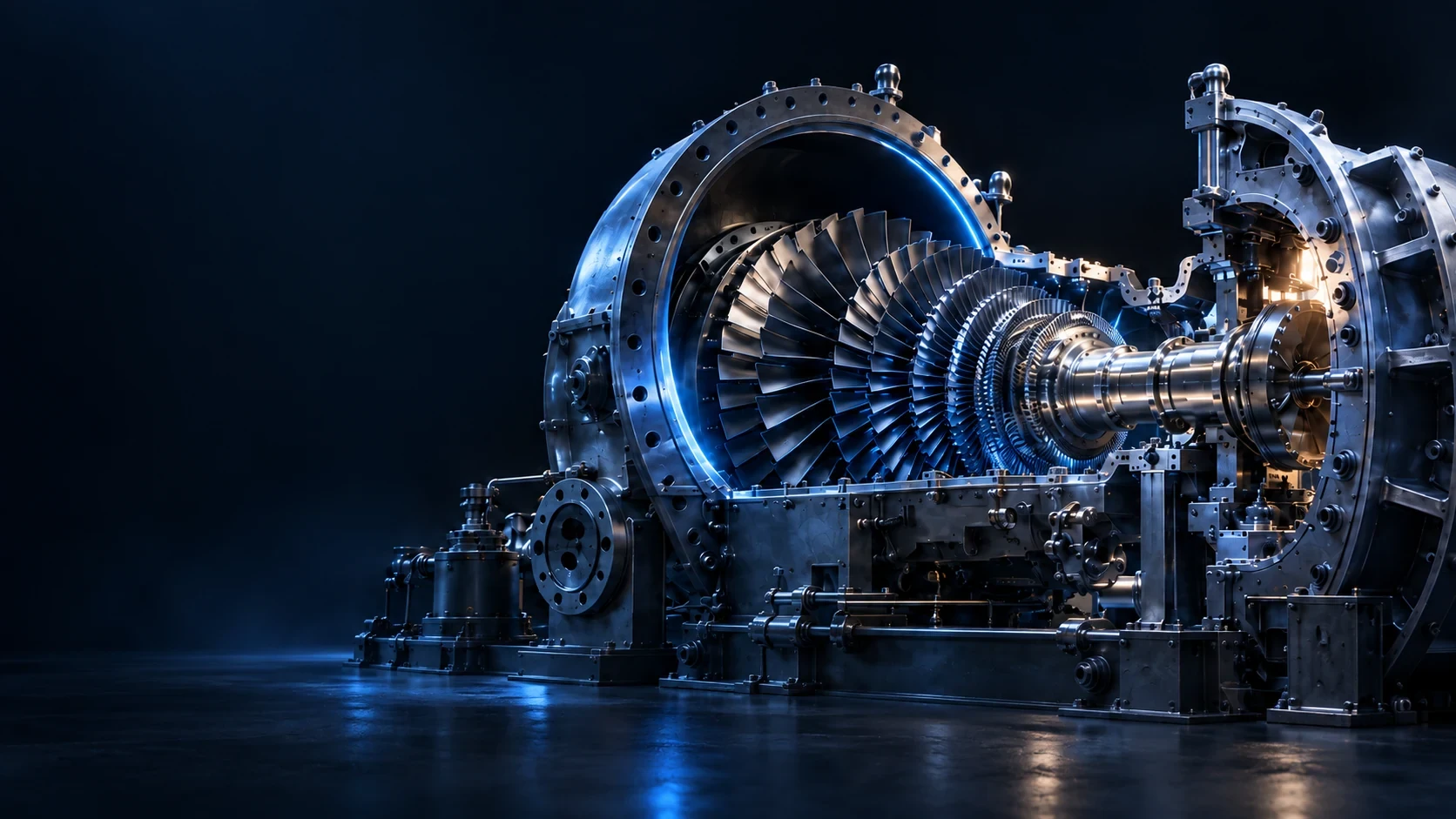
Illustration: An exploded turbine assembly showing the components inside the machine.

3D Components

Inspect named parts and their function in sample equipment.

Explore ↗
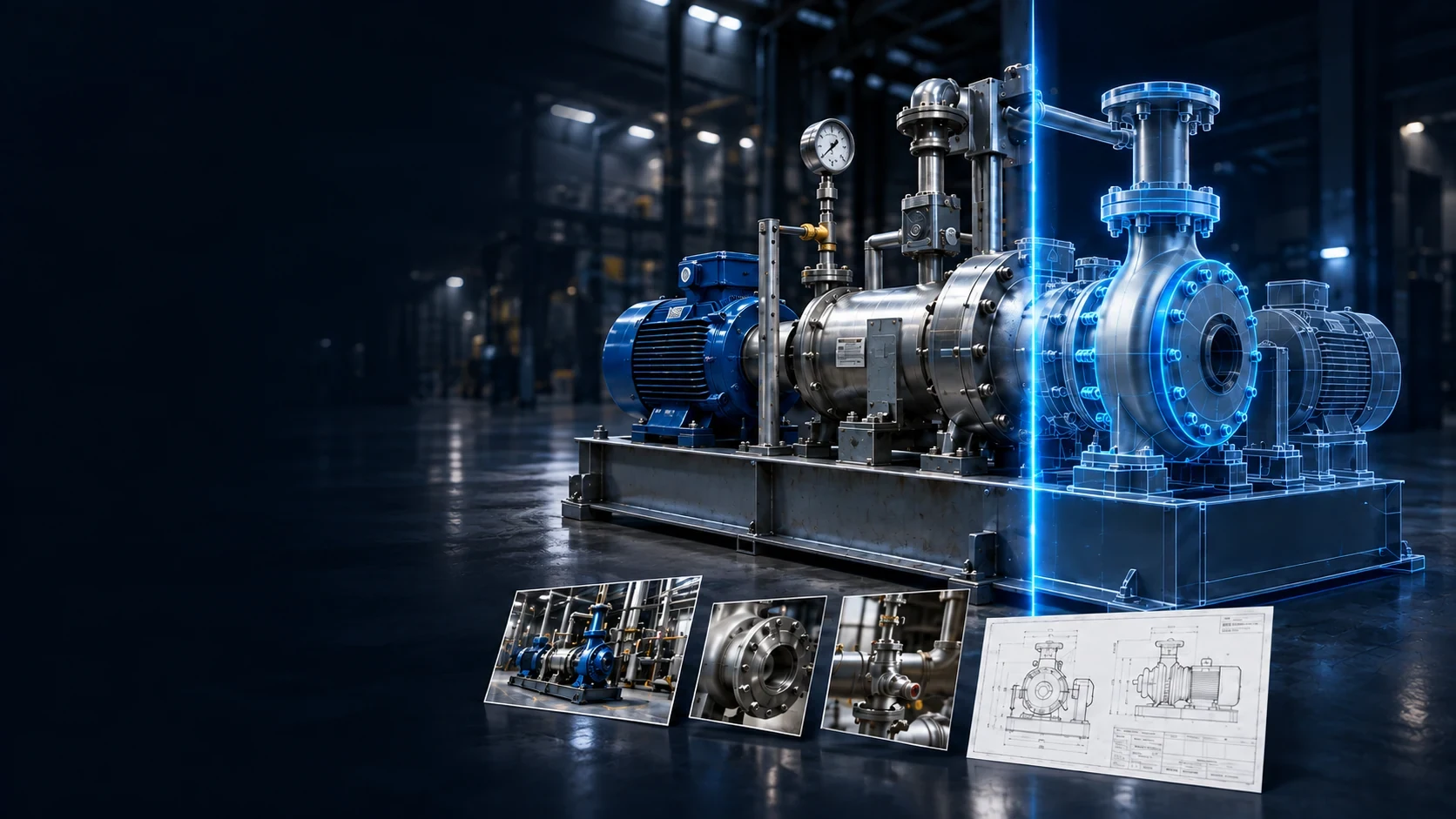
Illustration: A pump, reference photos and an engineering diagram connected to a glowing model.

Mirror Direct

Ask the EON team to prepare and review a complex equipment model.

Explore ↗

Illustration: An engineer checking a detailed facility model beside reference information.

Mirror Studio

Review capture, equipment matching and approval in a guided workflow.

Explore ↗
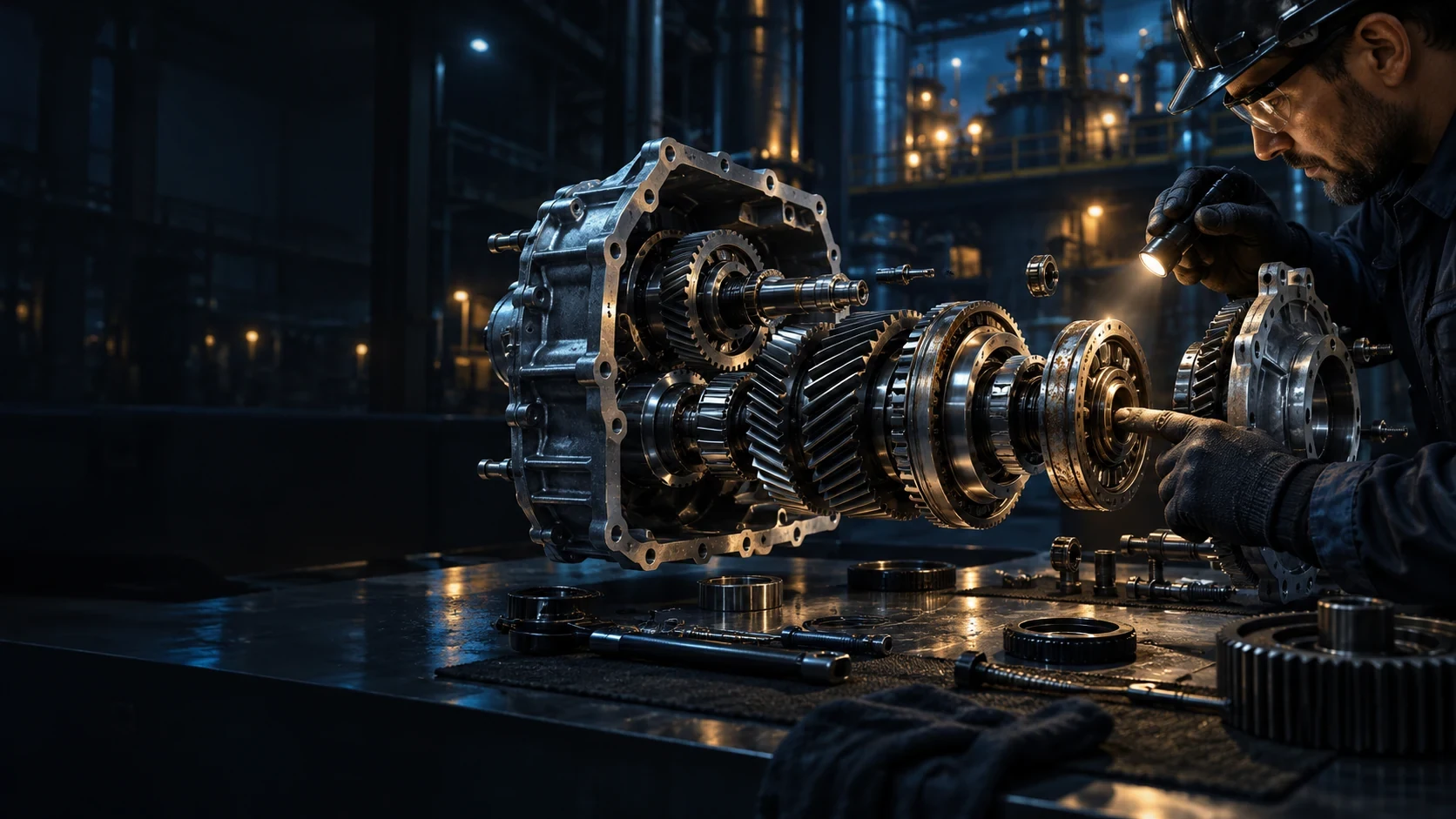
Illustration: An engineer examining the internal assembly of a turbine.

Model Inside

Explore internal parts and assemblies in a model prepared with the EON team.

Explore ↗

Illustration: An offshore industrial platform with a worker and a contextual digital display.

EON Worlds

Create a navigable scene for a site or large environment with the EON team.

Explore ↗
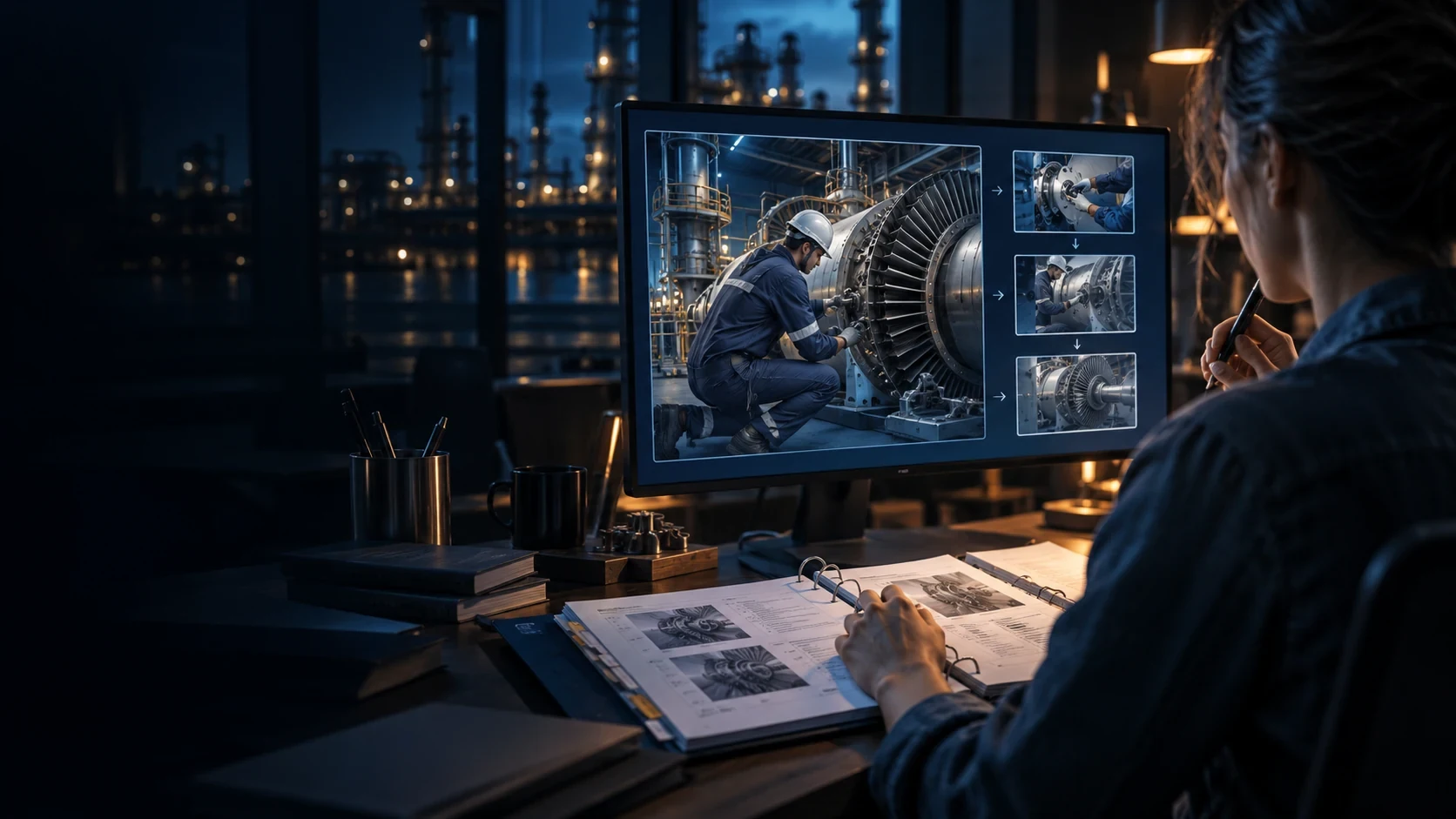
Illustration: An engineer creating a training experience from equipment and procedure references.

Genesis 3

Turn an approved procedure and 3D model into a simulation people can practise and be assessed in.

Explore ↗
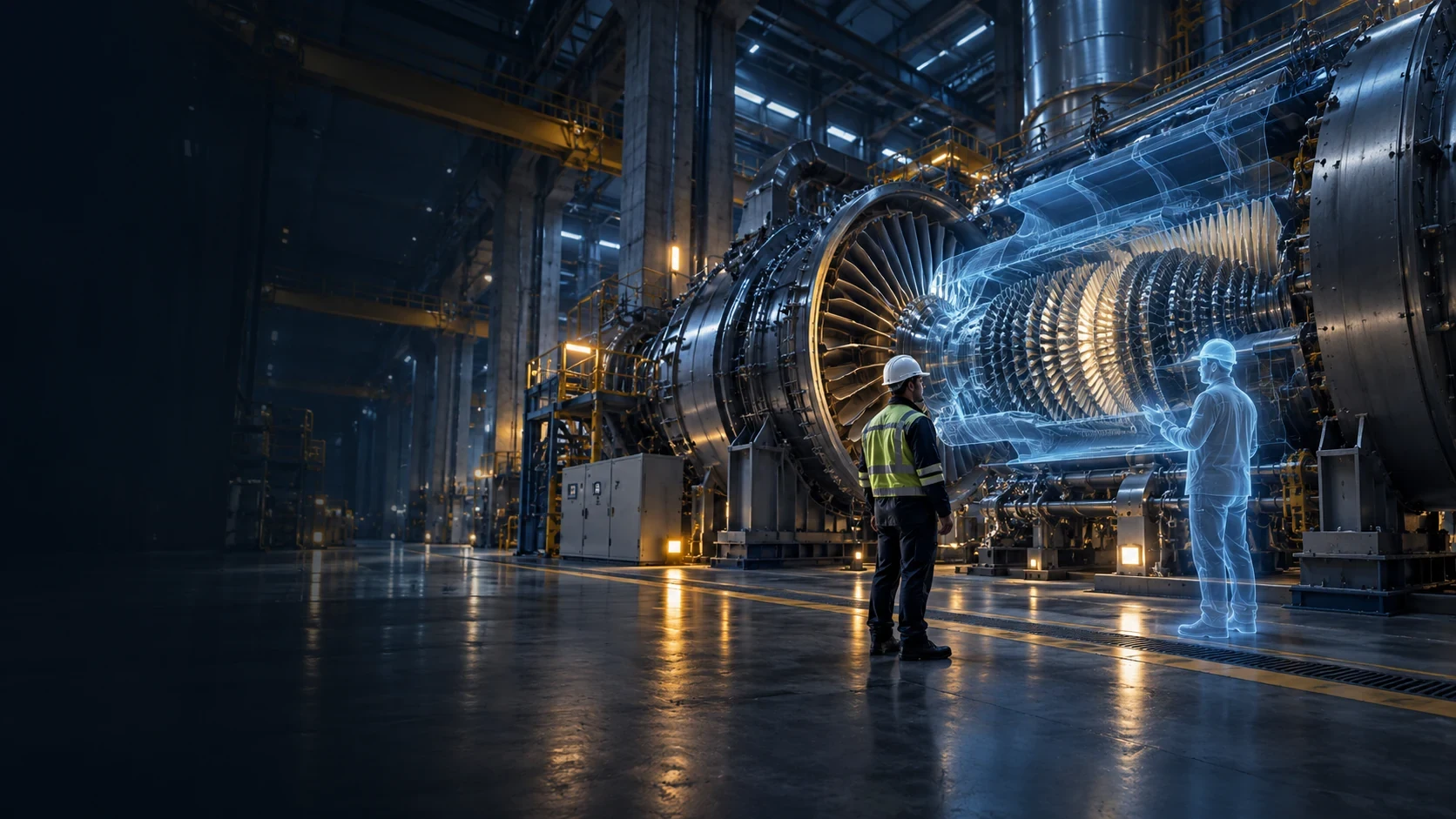
Illustration: A trainee standing beside a large turbine and its immersive digital representation.

EON XR Infinite

Start with a topic and review the interactive 3D learning experience it creates.

Explore ↗
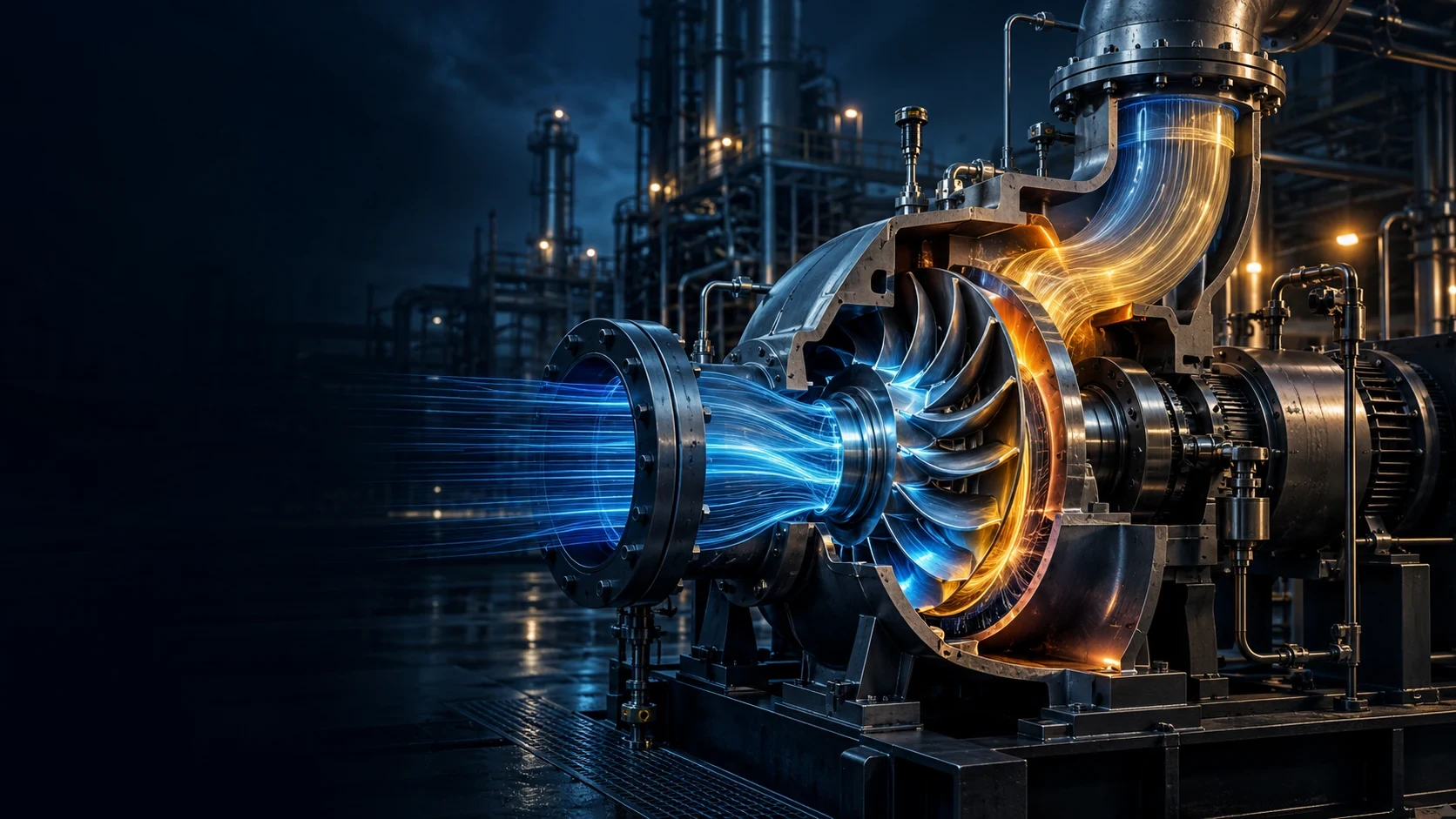
Illustration: A turbine cutaway with a coloured flow simulation inside the equipment.

EON Live

Practise a defined equipment response with scenario-specific simulation behaviour.

Explore ↗

Illustration: An operator overseeing a refinery and connected operations screens.

Control Room

Explore a preview connecting operators, field teams, instructors and emergency roles.

Explore ↗
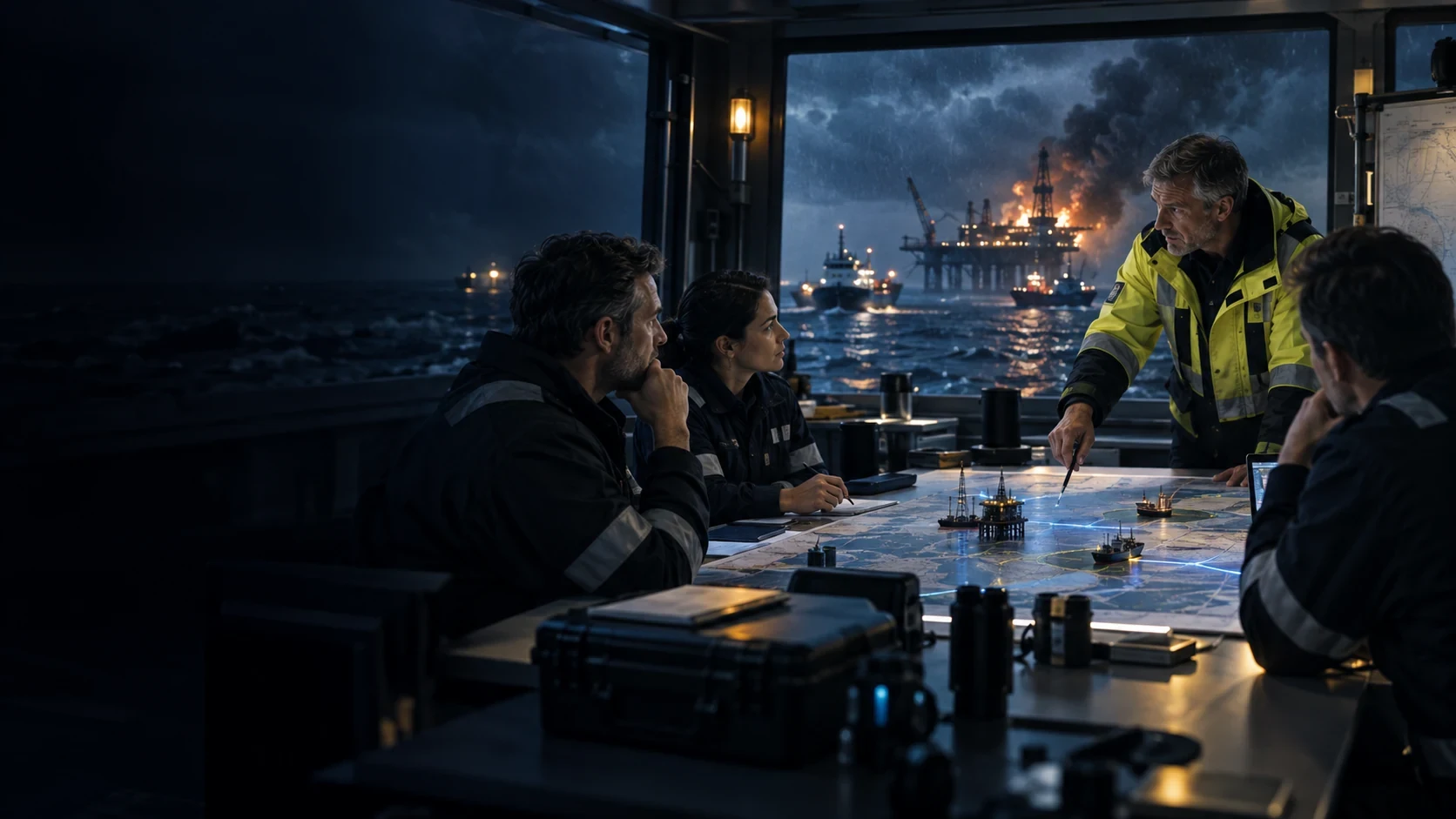
Illustration: A team planning an industrial incident response in a control room.

Situation Room

Rehearse decisions using documented incidents and reviewed scenarios.

Explore ↗
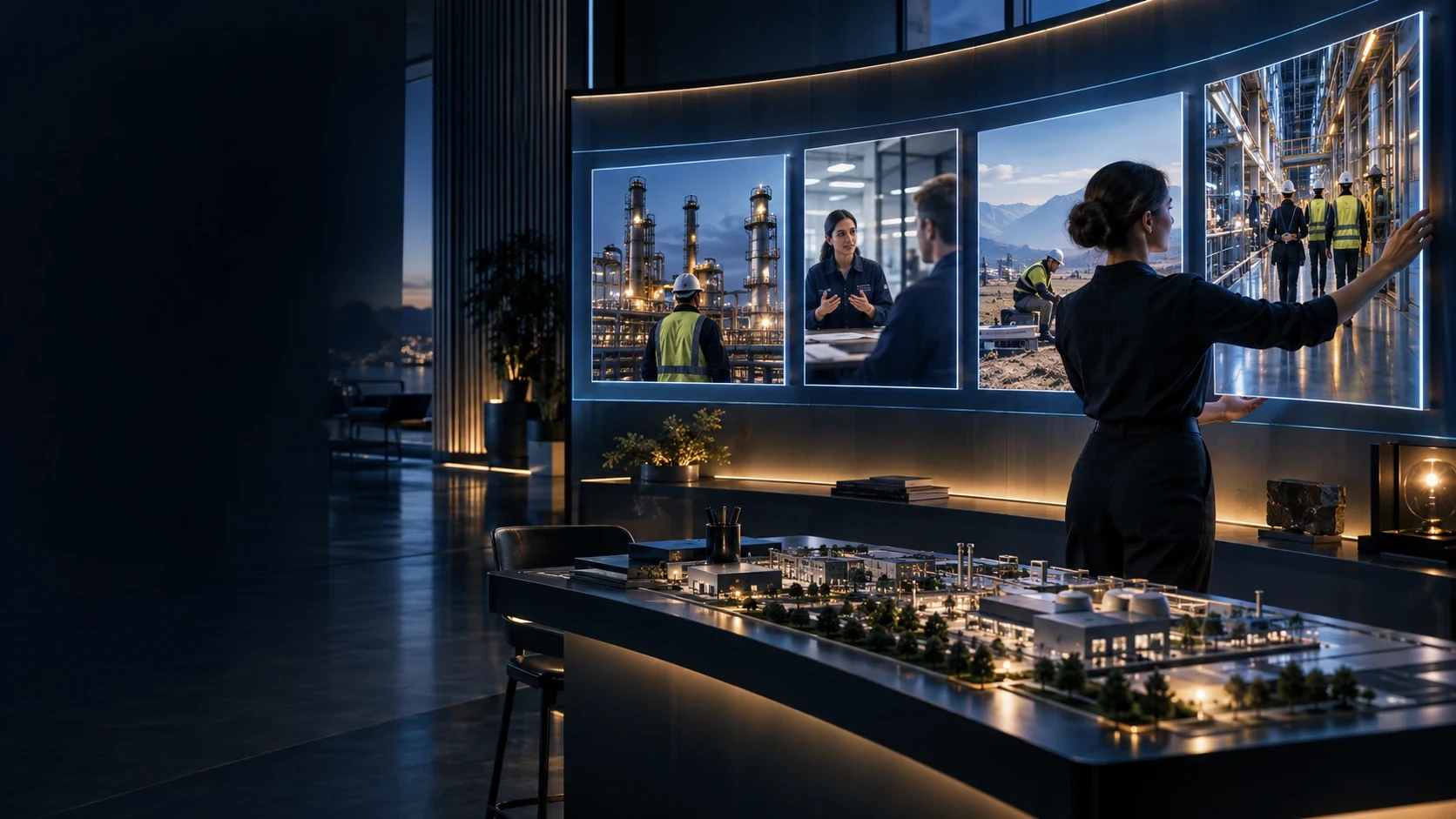
Illustration: An instructor arranging incident scenarios on a large simulation display.

Situation Room Creator

Prepare and review a company’s own scenario and learning library.

Explore ↗
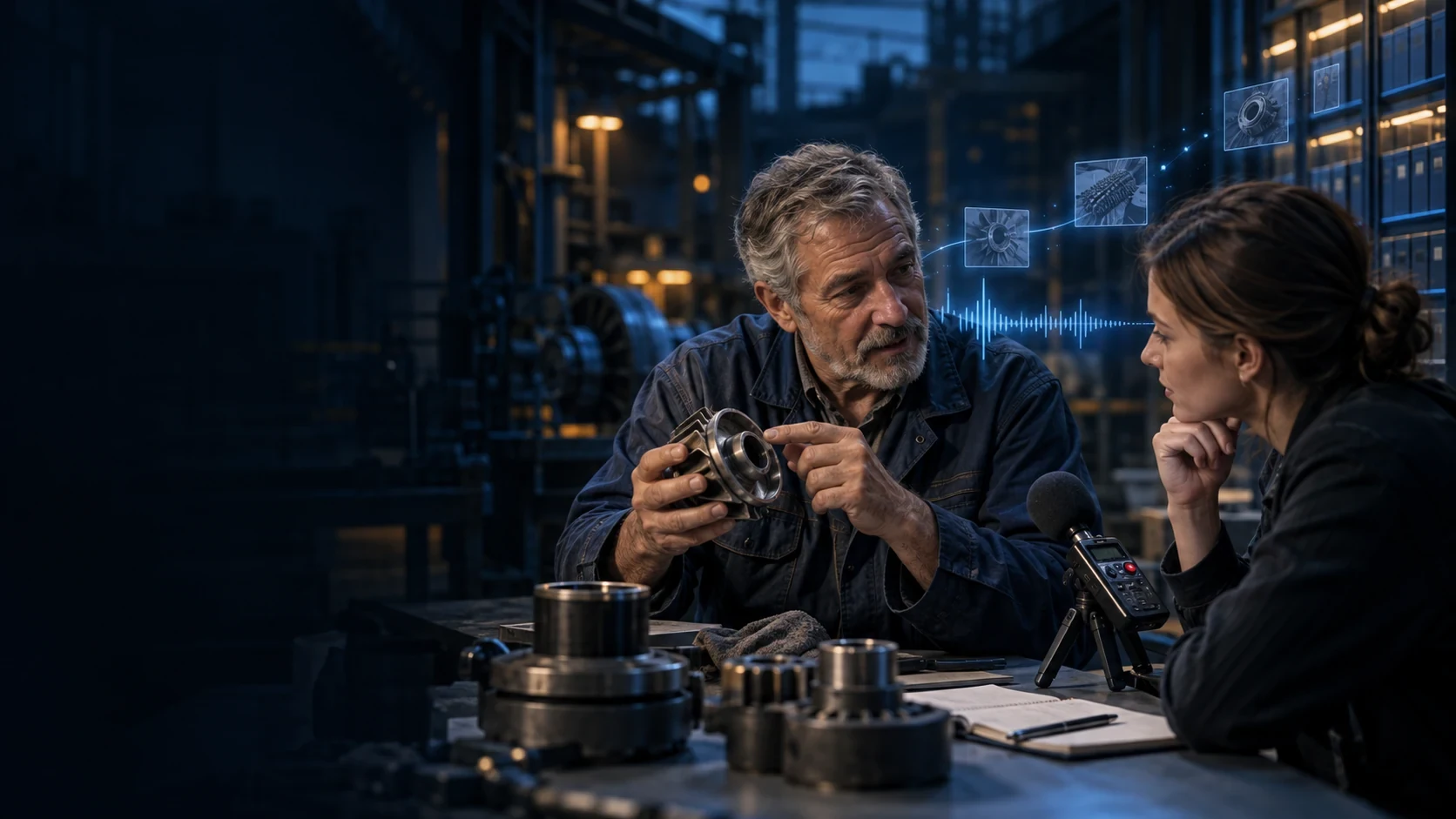
Illustration: An experienced technician sharing equipment knowledge with a colleague.

EON Tacit

Preserve an expert’s words and verify the resulting knowledge with another reviewer.

Explore ↗

Illustration: A person practising a conversation with several virtual colleagues on a display.

Brainy Soft Skills

Practise a difficult conversation and review feedback on the choices made.

Explore ↗
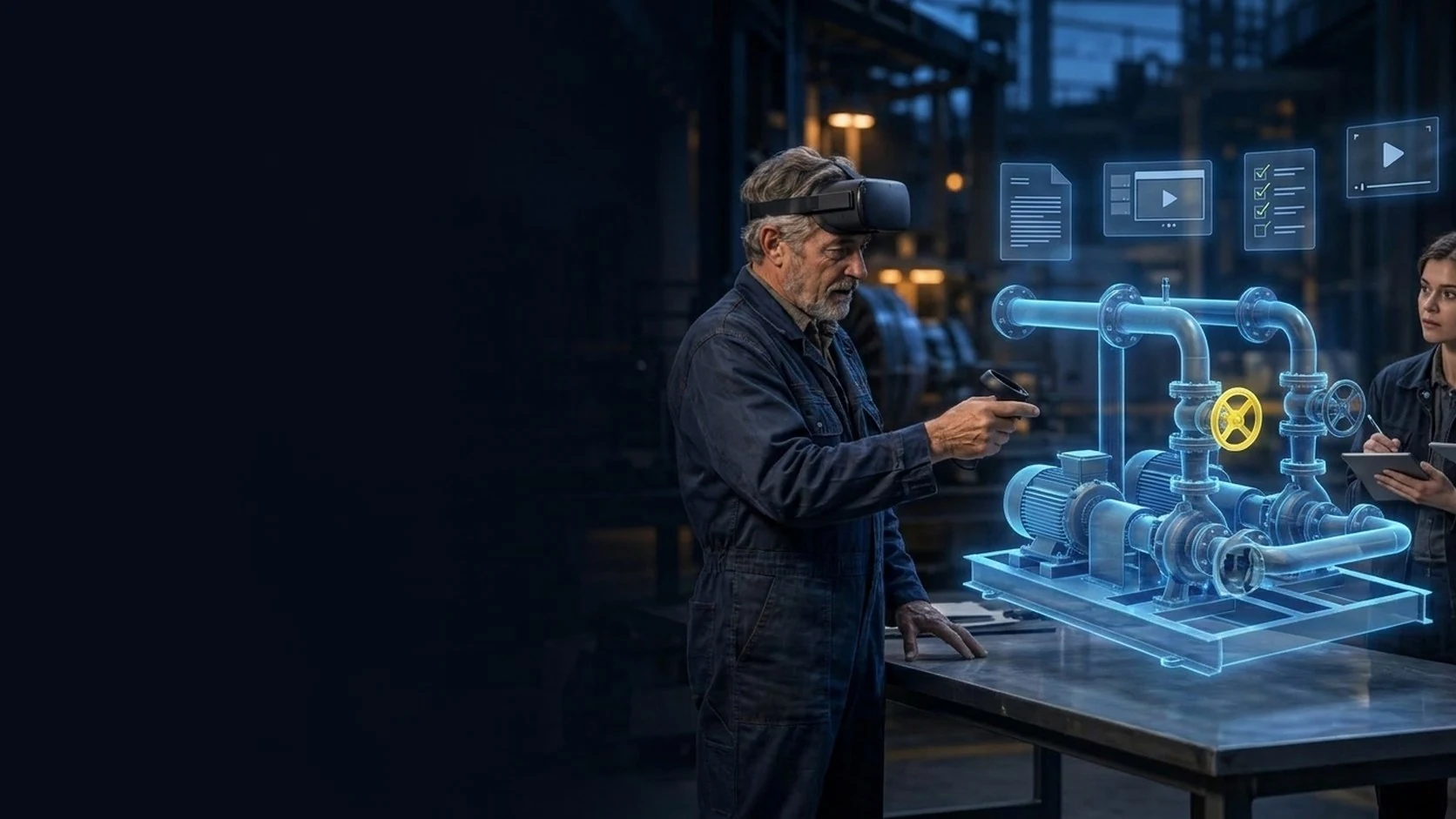
Illustration: An expert demonstrating a mechanical task beside its digital twin.

Handover

Capture how an expert demonstrates a task on the twin and review the draft learning materials.

Explore ↗

BRING ONE VALUABLE TASK

Make the next job better.

Show us the equipment and the work people need to do.

YOUR NEXT STEP

Explore this product with your team

Ask for a walkthrough or discuss access. Existing users can sign in to their product.