

Digital Twin
EON Universal
Your facility. A living digital twin.
Build reviewed equipment and facility context from approved references.
FIVE TWIN BUILDING MODULES
Five ways to build your twin.
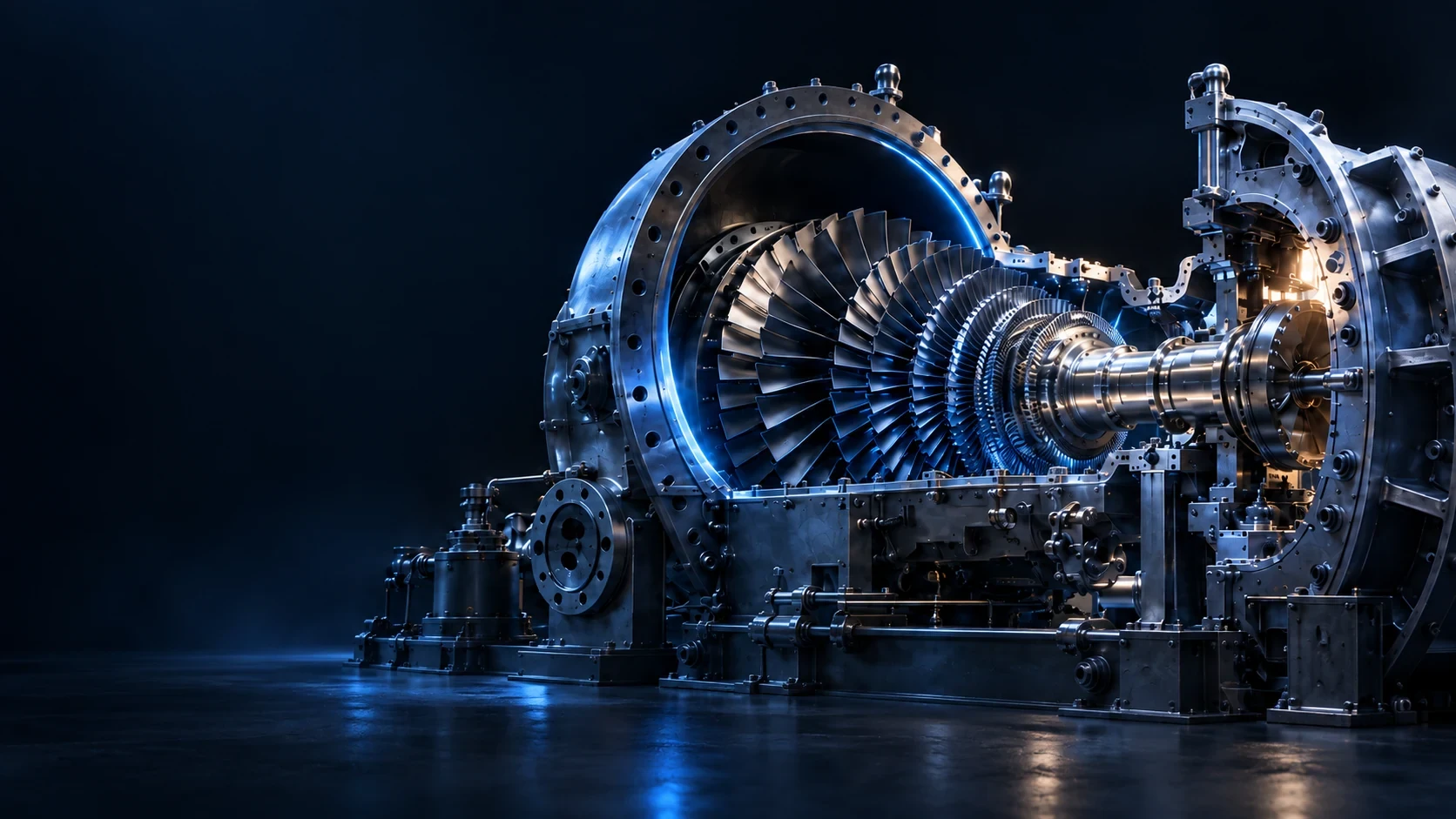
3D Components
Inspect named parts and their function in sample equipment.
Explore ↗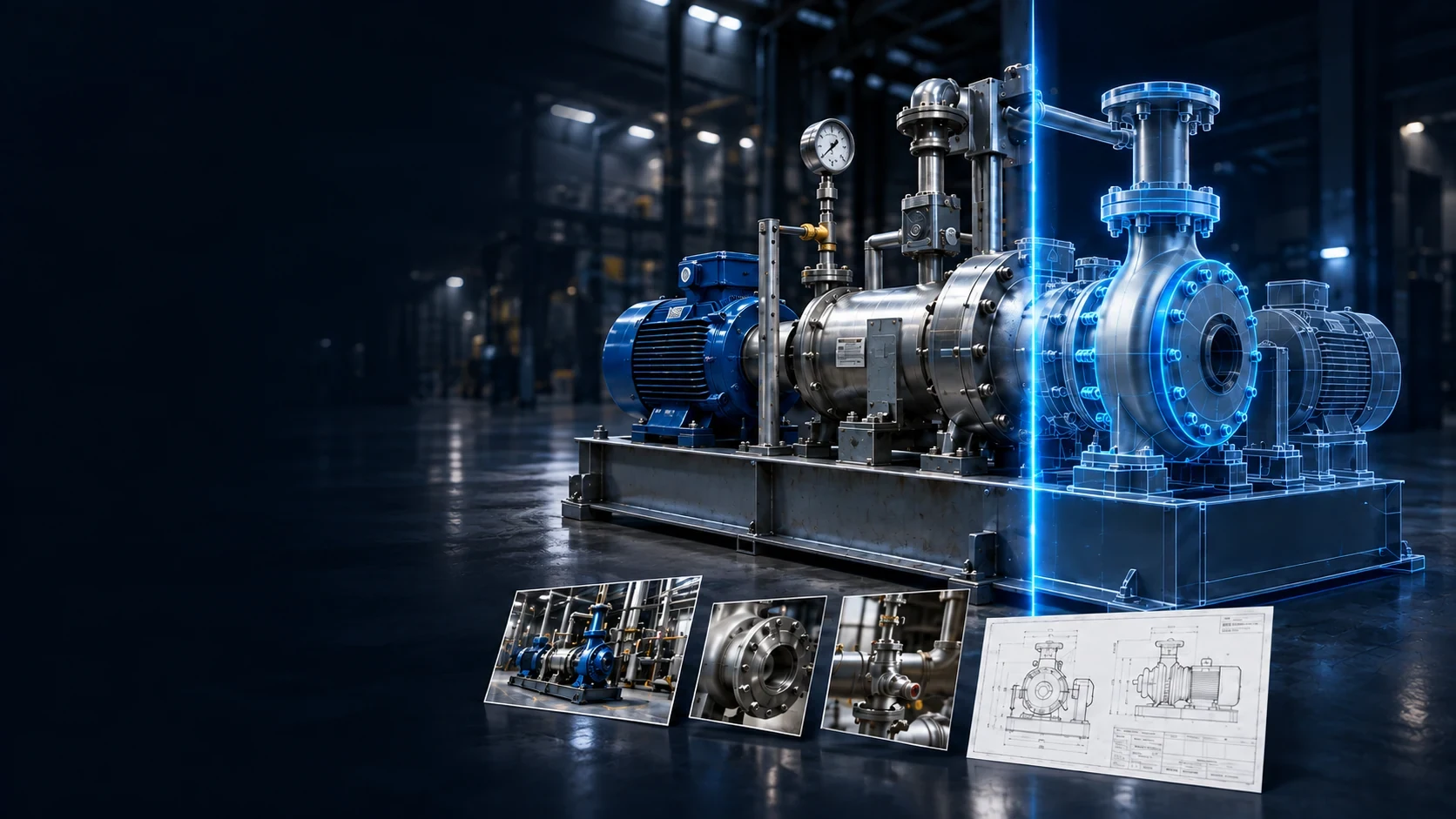
Mirror Direct
Ask the EON team to prepare and review a complex equipment model.
Explore ↗
Mirror Studio
Review capture, equipment matching and approval in a guided workflow.
Explore ↗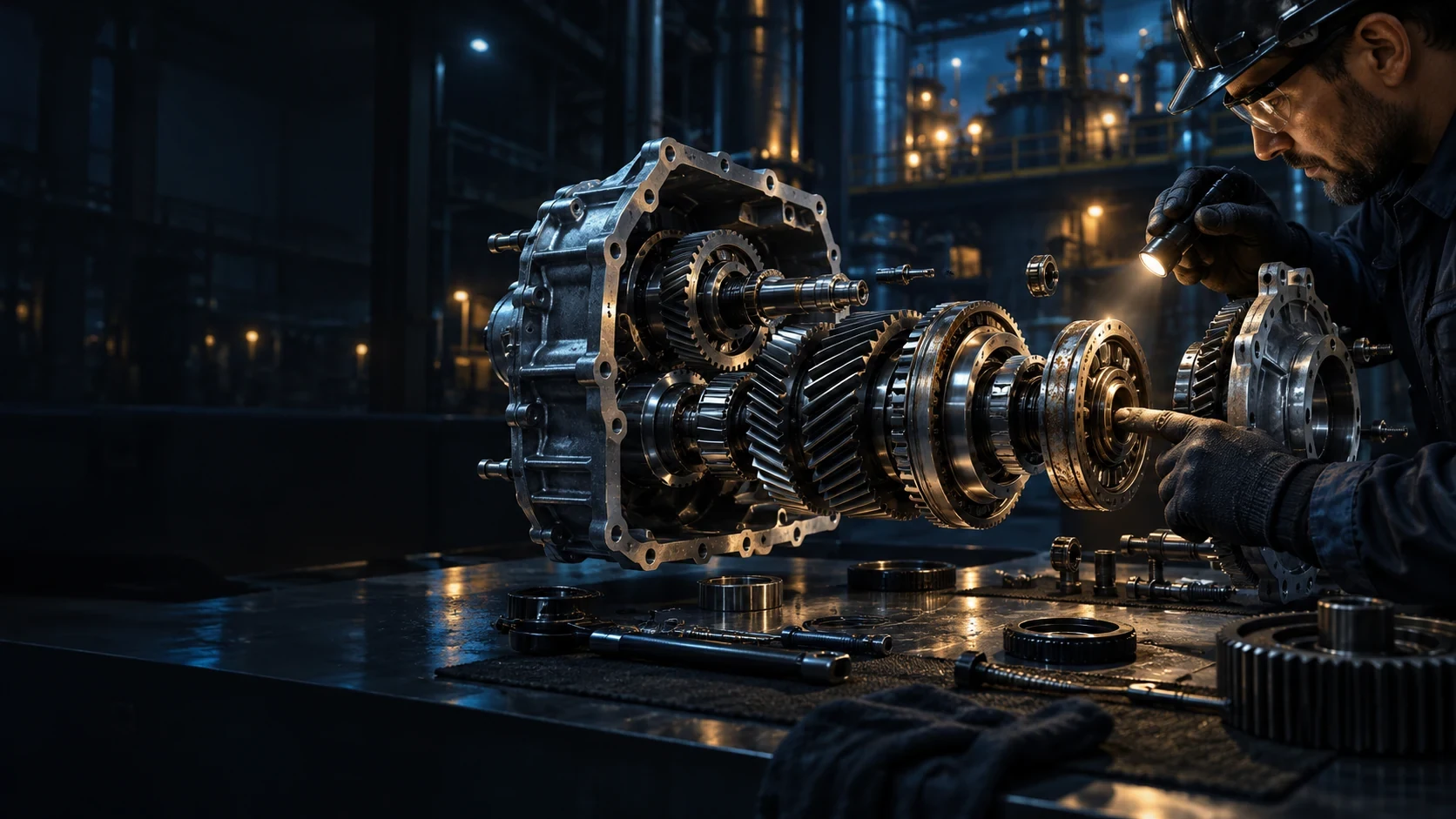
Model Inside
Explore internal parts and assemblies in a model prepared with the EON team.
Explore ↗
EON Worlds
Create a navigable scene for a site or large environment with the EON team.
Explore ↗FROM CONTEXT TO ACTION
How EON Universal fits the work.
-
01
Bring permitted references
Start with approved equipment photos, facility references or available engineering information.
-
02
Build equipment context
Connect the suitable model, named components and configuration with their accepted sources.
-
03
Review before use
Agree the accuracy, scope and reviewer before using the context for rehearsal or task guidance.
FOR YOUR TASK
See the experience. Agree the scope.
Explore the demonstrated setup, then agree the source material, supported devices and deployment scope for your task.
Application sign-in or product-owner access may be required.Sources, review and task evidence
Bring the accepted procedure, equipment configuration and source owner. Agree who reviews the output and what the learner or worker must demonstrate.
Compare task performance and review effort with the current method before expanding.
BRING ONE VALUABLE TASK
Make the next job better.
Show us the equipment and the work people need to do.
Explore this product with your team
Ask for a walkthrough or discuss access. Existing users can sign in to their product.