

Digital Twin / Universal
EON Worlds
Step into a place. Discover what matters.
Create a navigable scene for a site or large environment with the EON team.
TEAM-DELIVERED SERVICESTART HERE · THE ORIGINAL EXPERIENCES
Two featured worlds. A richer first step.
These are the original EON Worlds demos, with their saved voice narration, sound settings, guided learning, and interactive missions.

Explore the refinery.
Begin with the guided hazard story. Listen to the narration, inspect visible equipment and clues, then switch to finding or challenge modes.
Enter the featured refinery ↗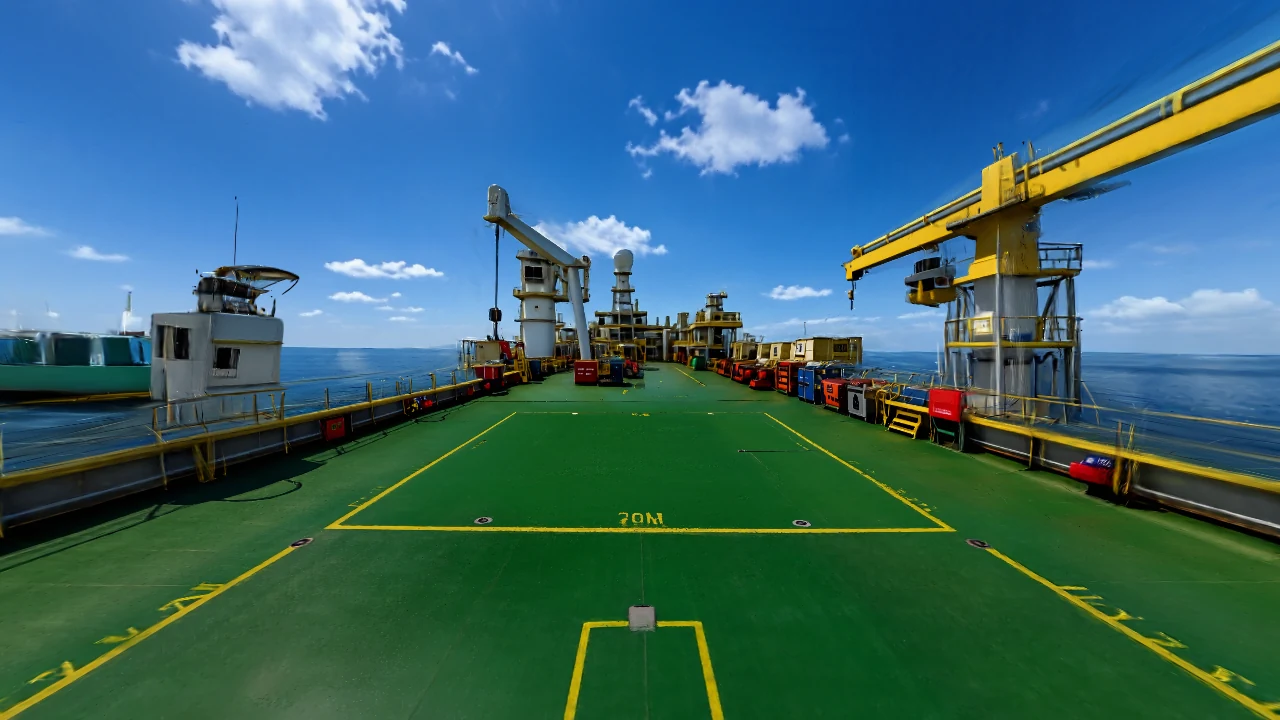
Discover the offshore deck.
Step onto the platform, identify equipment in the actual 3D scene, and practise with narration, hints, and feedback.
Enter the featured offshore world ↗Press Begin in the experience to start. Use its Sound controls for narration and atmosphere. These are illustrative practice experiences, not operating instructions.
EON Space Ventures · A separate environment collection
Earth interior. Lunar exterior. Ten more places to explore.
Enter the new satellite cleanroom and lunar work pad, then explore robotics labs, spacecraft test halls, Mars and Earth orbit. These are realistic 3D environments for future equipment and scenario authoring.
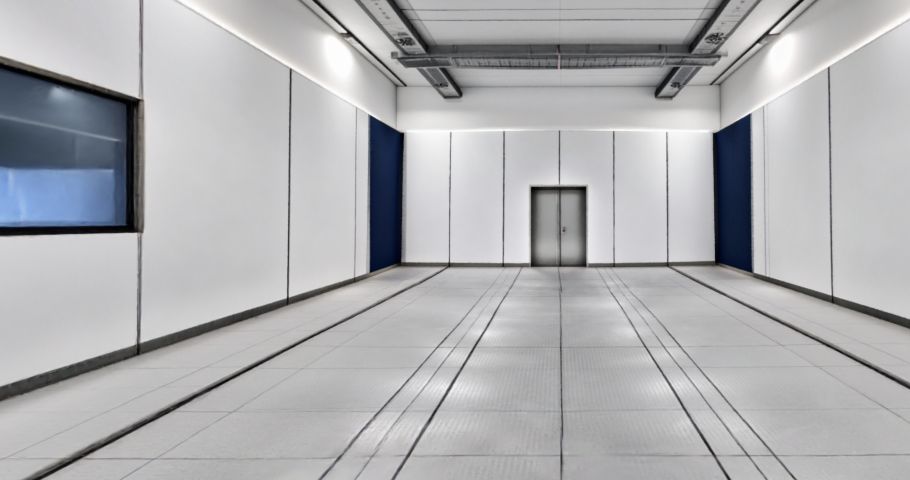
Earth Satellite Integration Cleanroom
A crisp, neutral-white satellite integration room with an open equipment floor and clear walking routes.
Explore in WorldLabs ↗
Lunar Mare Industrial Pad
Gray regolith, hard sunlight, a black sky and a blue-white Earth, with an open area for separately authored equipment.
Explore in WorldLabs ↗All twelve open in the full-detail WorldLabs viewer. Native imports into the EON Worlds editor and Genesis environment chooser are the next integration step.
Keep exploring. Twelve more worlds.
Choose a place for narrated exploration, evidence gathering and practice. Cards identify extended stories and three-clue exercises. Each picture shows its actual 3D environment.
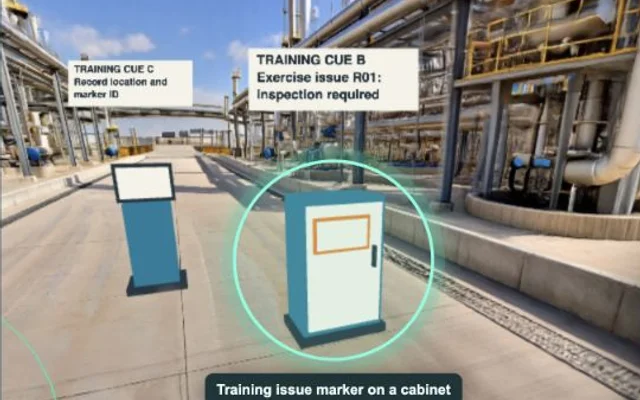
Refinery Yard
The Unfinished Handover: explore six nearby encounters, collect evidence, make decisions, and assemble a report with George’s narration.
Open & Play ↗
Pump Maintenance Alley
The Missing Handback: explore six pump-yard encounters, compare records, make decisions, and assemble the review packet with George’s narration.
Open & Play ↗
LNG Cargo Deck
Walk the cargo deck and locate a cone, checklist stand, and report station.
Open & Play ↗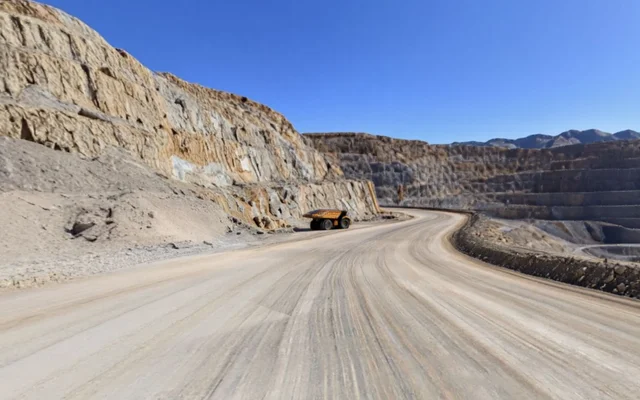
Mine Haul Road
Explore the mine route and inspect a marker, fictional route board, and reporting point.
Open & Play ↗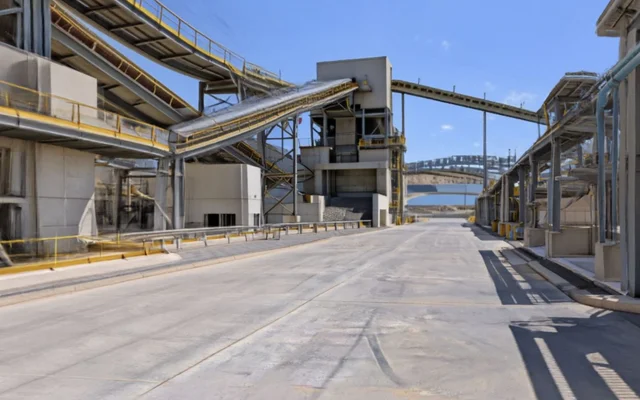
Crusher Processing Yard
Find the inspection marker, exercise barrier board, and report station in the processing yard.
Open & Play ↗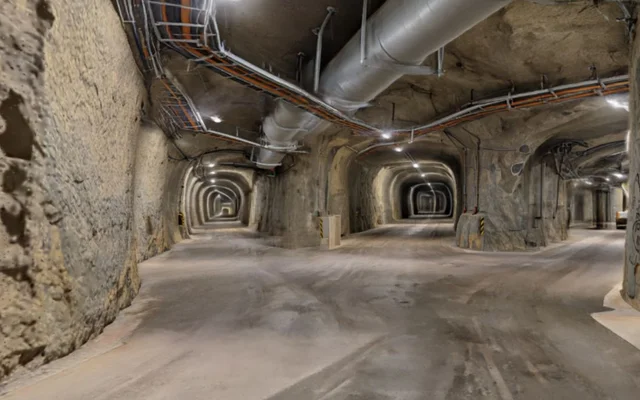
Underground Tunnel
Read a fictional branch diagram, find its marker, and inspect the blank report form.
Open & Play ↗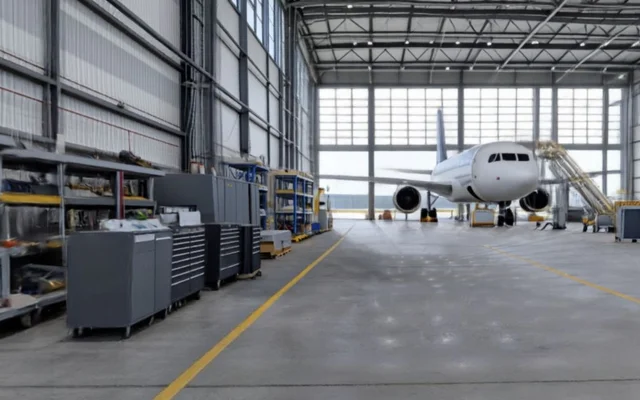
Aircraft Hangar
Check the exercise tool-status board, floor cone, and blank discrepancy form.
Open & Play ↗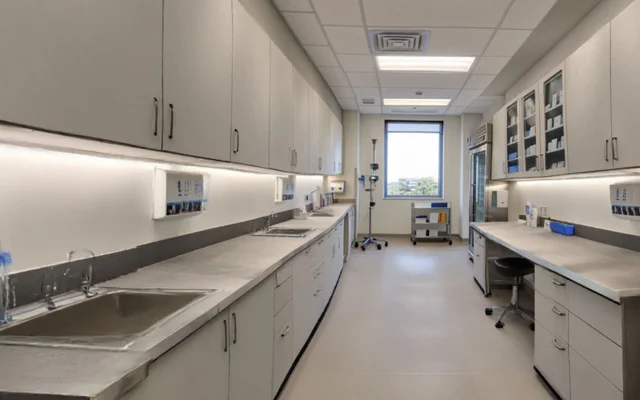
Preparation Bay
Find the three fictional verification cues in the preparation bay. No medicine or dose decisions.
Open & Play ↗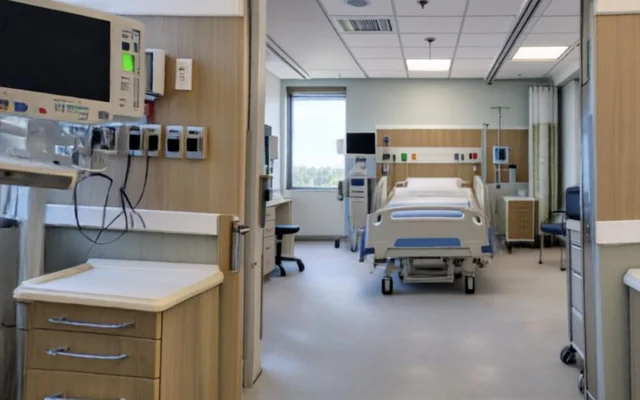
Monitored Care Room
Locate the fictional alarm-information marker, label stand, and reporting point. No patient data.
Open & Play ↗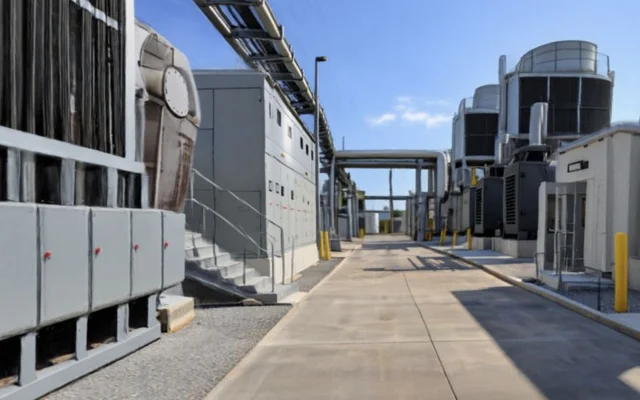
Plant Utility Yard
Explore the utility yard and find the three outage-information exercise cues.
Open & Play ↗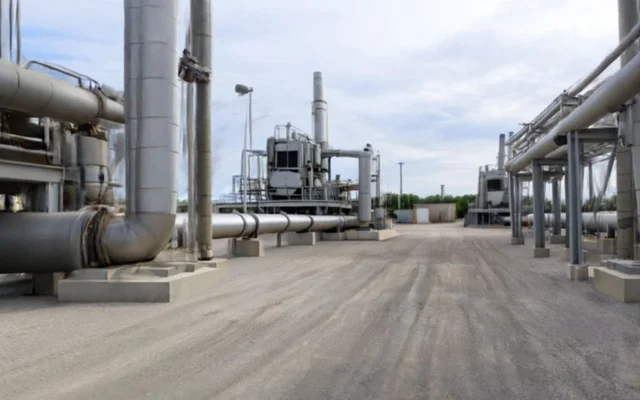
Gas Compressor Yard
Find the observation marker, inspection-status stand, and reporting station.
Open & Play ↗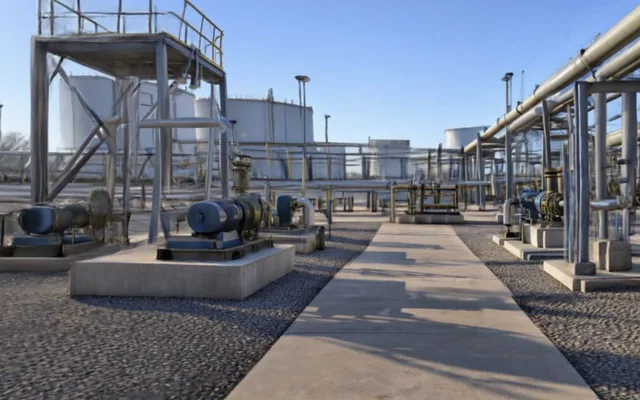
Oil Pumping Station
Explore the pump yard and find the route-review cone, observation marker, and report station.
Open & Play ↗Fictional demonstration games. Practice points measure finding targets, not operational or clinical competence.
FROM CONTEXT TO ACTION
How EON Worlds fits the work.
-
01
Set the task context
Create a navigable scene for a site or large environment with the EON team.
-
02
Agree the working scope
Bring the accepted source, equipment configuration and a named reviewer. Agree the supported setup and the useful outcome.
-
03
Review what changed
Compare the result with the current method. Retain evidence and require human approval before reusing a proposed change.
FOR YOUR TASK
See the experience. Agree the scope.
Team-delivered service in V30. Agree the source material, intended environment and current release with EON.
Application sign-in or product-owner access may be required.Sources, review and task evidence
Bring the accepted procedure, equipment configuration and source owner. Agree who reviews the output and what the learner or worker must demonstrate.
Compare task performance and review effort with the current method before expanding.
CONNECTED PRODUCTS
Keep the work connected.


BRING ONE VALUABLE TASK
Make the next job better.
Show us the equipment and the work people need to do.
Explore this product with your team
Ask for a walkthrough or discuss access. Existing users can sign in to their product.