

Digital Twin
Genesis 3
Train anywhere. Simulate anything. Teach everyone.
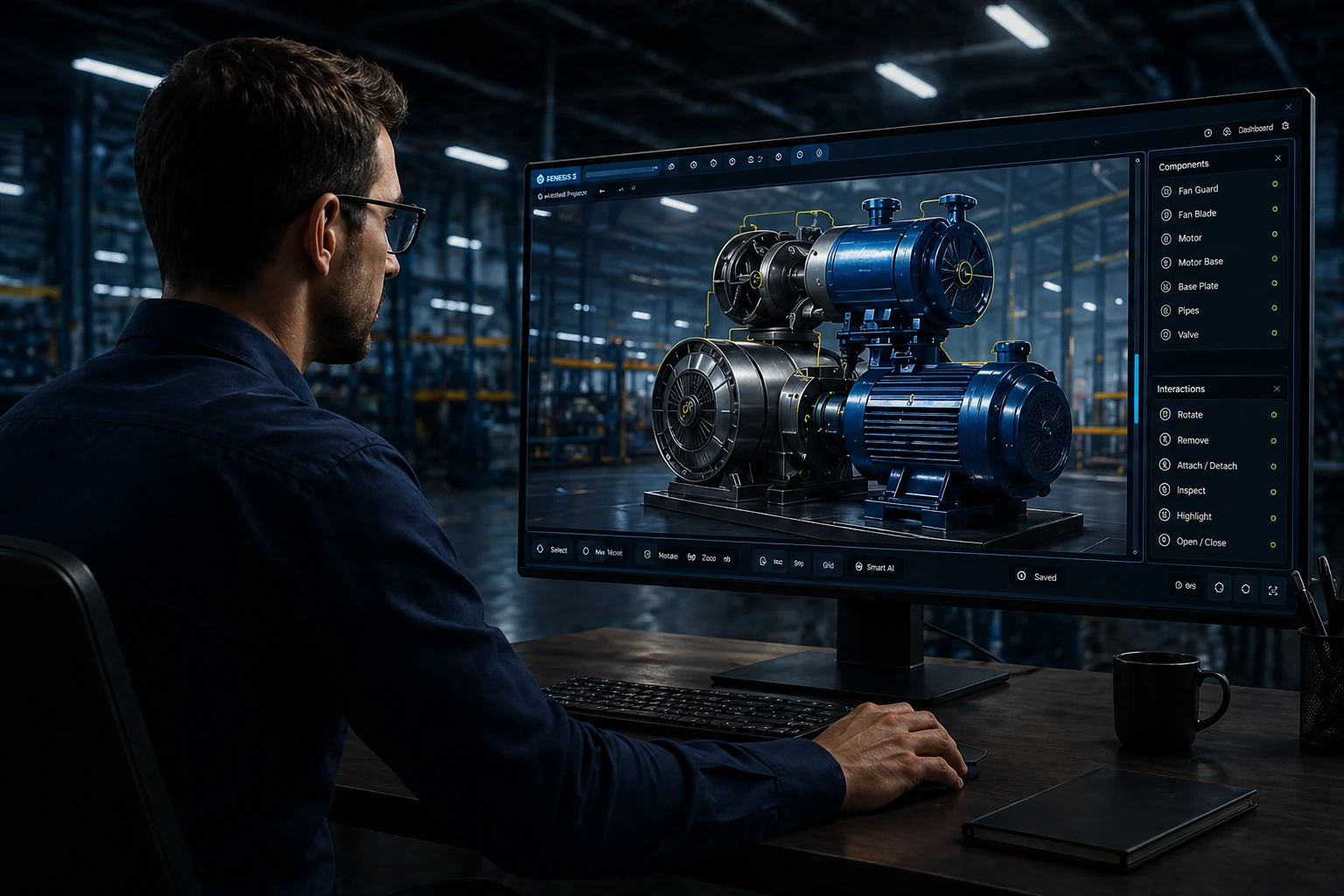
Turn an approved procedure and 3D model into a simulation people can practise and be assessed in.
Explore what you can do
Explore the features and open the product to get started.

FROM CONTEXT TO ACTION
How Genesis 3 fits the work.
-
01
Start with the accepted source
Confirm the procedure revision, equipment configuration and rights to the 3D model.
-
02
Rehearse actions and decisions
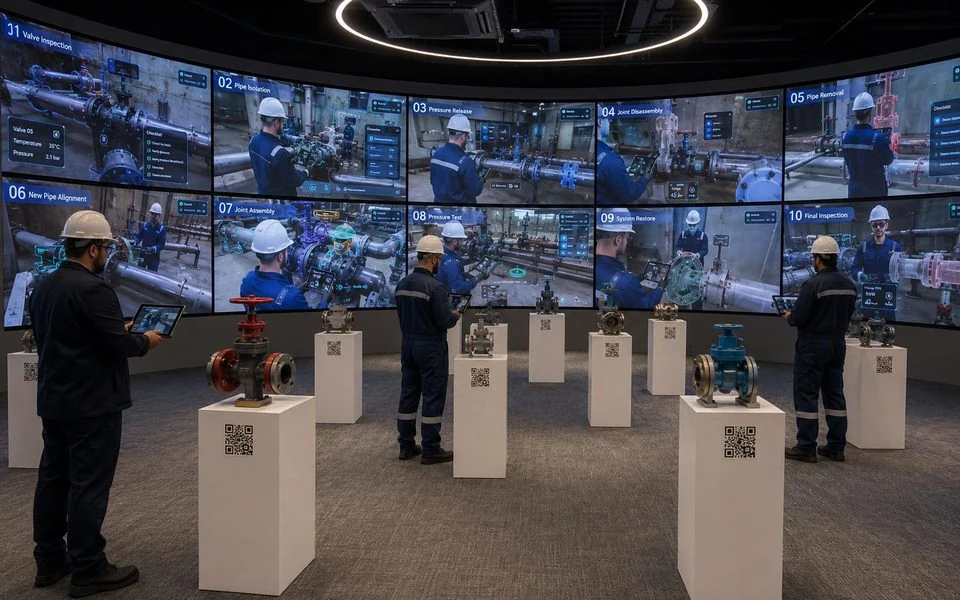
Use the reviewed simulation to practise the sequence, identify a mismatch and recover before real work.
-
03
Review the attempt
Compare task evidence with the agreed standard. An authorized person decides what is accepted and what needs more practice.
FOR YOUR TASK
See the experience. Agree the scope.
Review the procedure, equipment model and generated lesson before learner use. Authoring time and expert review are separate stages.
Application sign-in or product-owner access may be required.Sources, review and task evidence
Bring the accepted procedure, equipment configuration and source owner. Agree who reviews the output and what the learner or worker must demonstrate.
Compare task performance and review effort with the current method before expanding.
CONNECTED PRODUCTS
Keep the work connected.

EON Universal
Build reviewed equipment and facility context from approved references.
Explore ↗
EON XR Infinite
Start with a topic and review the interactive 3D learning experience it creates.
Explore ↗
Competence IQ
See the evidence supporting a person’s task qualification and the human approval behind it.
Explore ↗BRING ONE VALUABLE TASK
Make the next job better.
Show us the equipment and the work people need to do.
Explore this product with your team
Ask for a walkthrough or discuss access. Existing users can sign in to their product.