

Digital Twin / Universal
3D Components
Every machine, alive.
Inspect named parts and their function in sample equipment.
Featured equipment
Explore a selection from the equipment library. Open a thumbnail to inspect the 3D object.
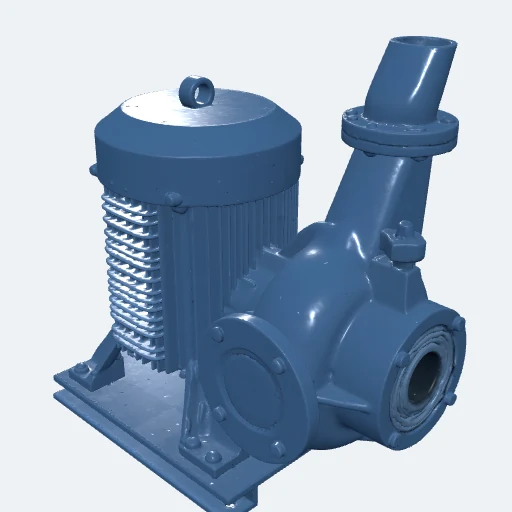
Centrifugal Pump
Rotating equipment
Open 3D object ↗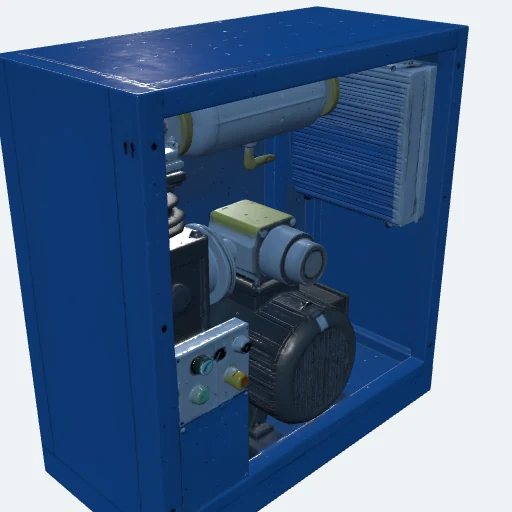
Air Compressor
Rotating or mobile equipment
Open 3D object ↗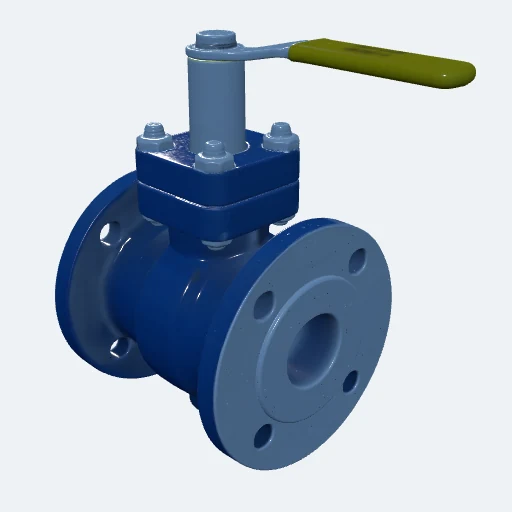
Ball Valve
Valves and isolation
Open 3D object ↗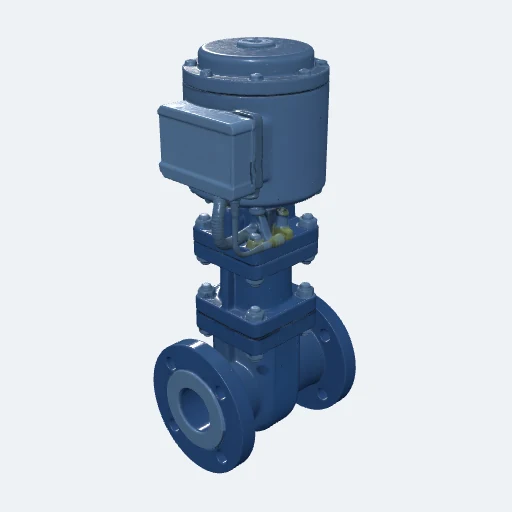
Control Valve
Valves and isolation
Open 3D object ↗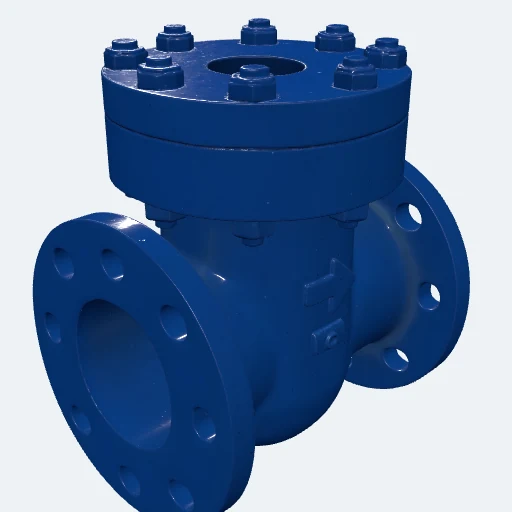
Check Valve
Valves and isolation
Open 3D object ↗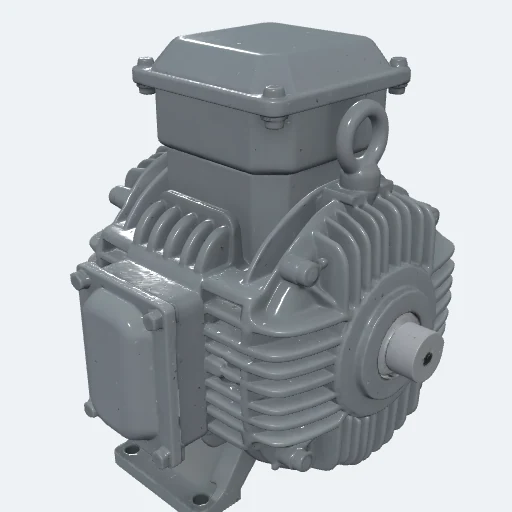
Electric Motor
Rotating or mobile equipment
Open 3D object ↗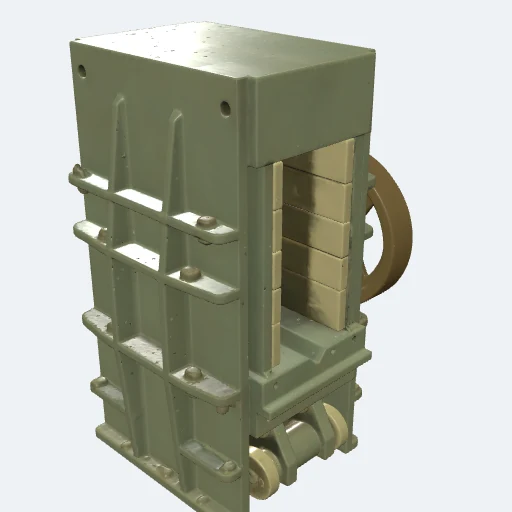
Jaw Crusher
Rotating or mobile equipment
Open 3D object ↗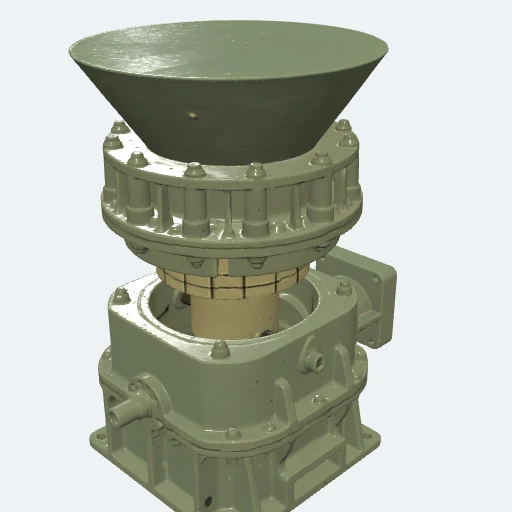
Cone Crusher
Rotating or mobile equipment
Open 3D object ↗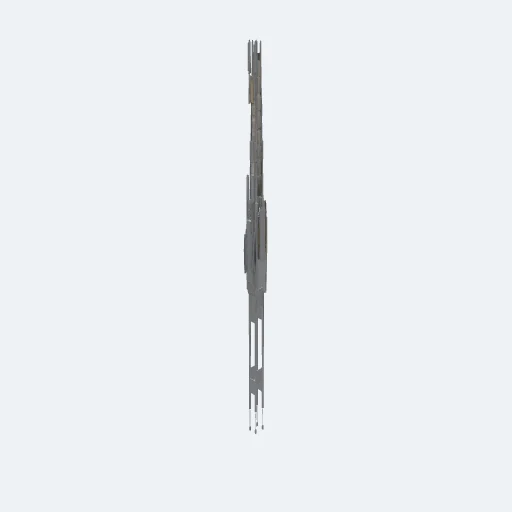
Belt Conveyor
Rotating or mobile equipment
Open 3D object ↗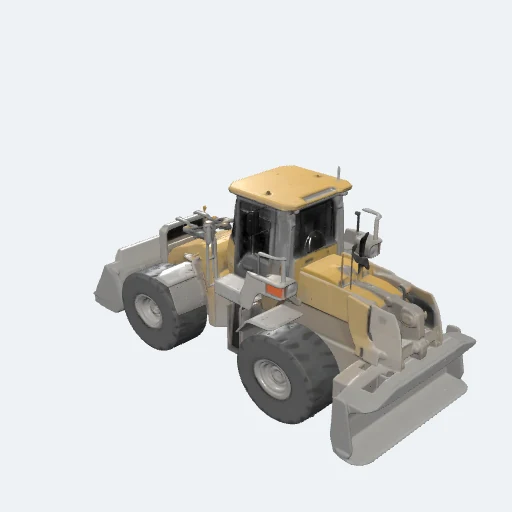
Wheel Loader
Rotating or mobile equipment
Open 3D object ↗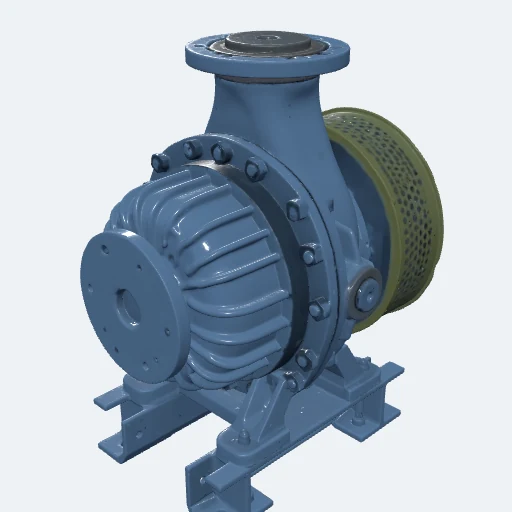
Slurry Pump
Rotating or mobile equipment
Open 3D object ↗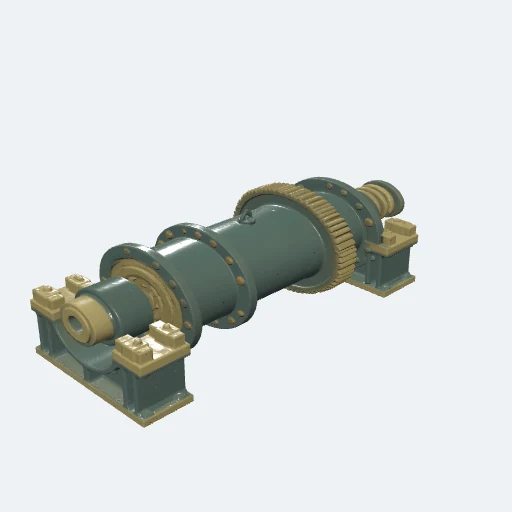
Ball Mill
Rotating or mobile equipment
Open 3D object ↗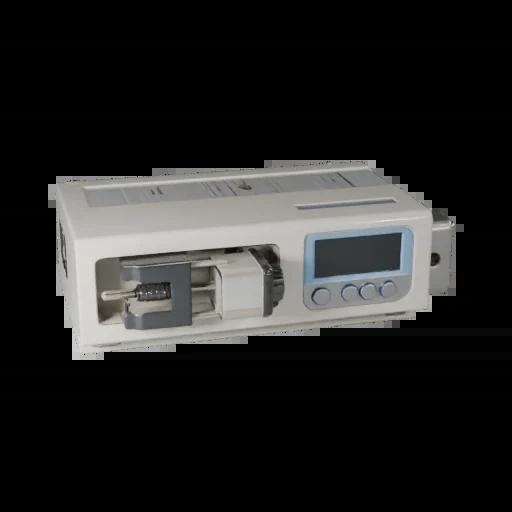
Syringe Infusion Pump
Infusion & fluid delivery
Open 3D object ↗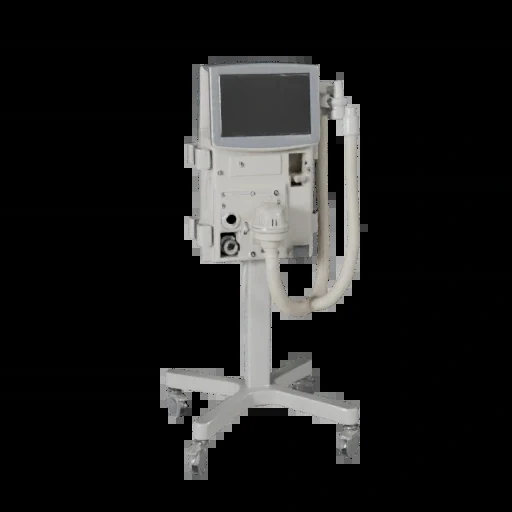
ICU Mechanical Ventilator
Respiratory & anesthesia
Open 3D object ↗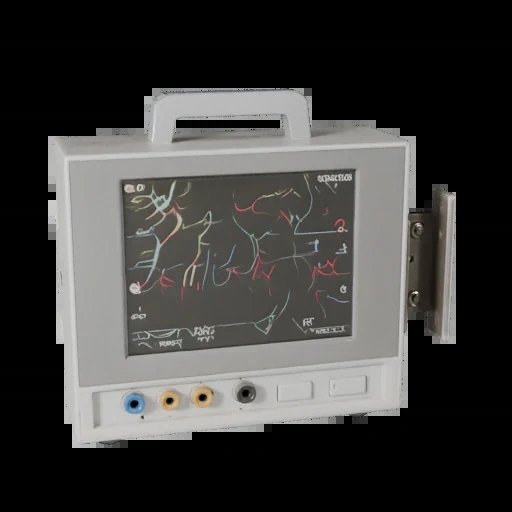
Multiparameter Patient Monitor
Patient monitoring & diagnostics
Open 3D object ↗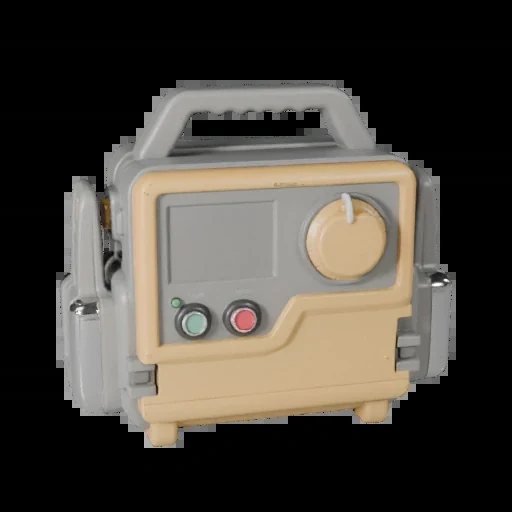
Defibrillator/Monitor
Cardiac & resuscitation
Open 3D object ↗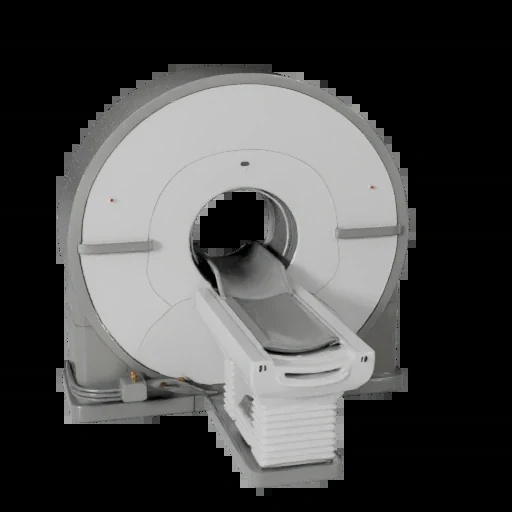
MRI Scanner
Diagnostic imaging
Open 3D object ↗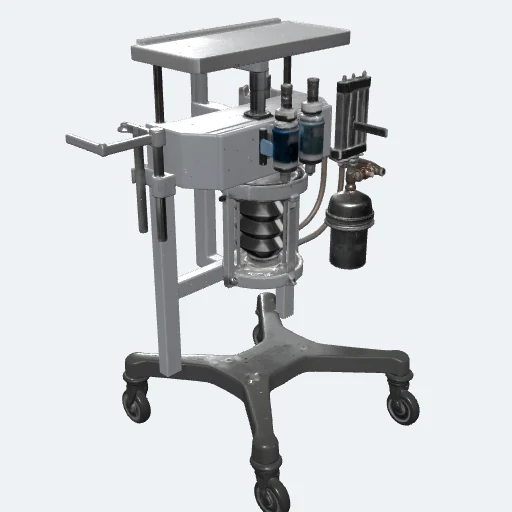
Anesthesia Workstation
Respiratory & anesthesia
Open 3D object ↗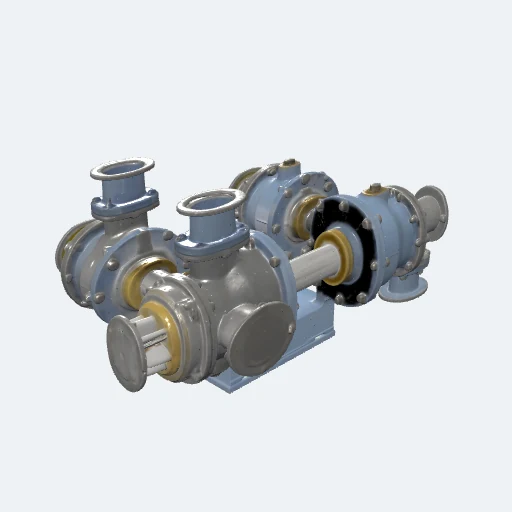
Air Cycle Machine
Air conditioning & pressurization (ata 21)
Open 3D object ↗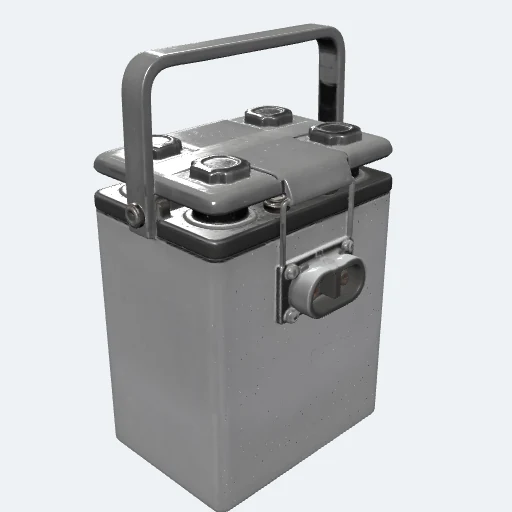
Aircraft Battery
Electrical power (ata 24)
Open 3D object ↗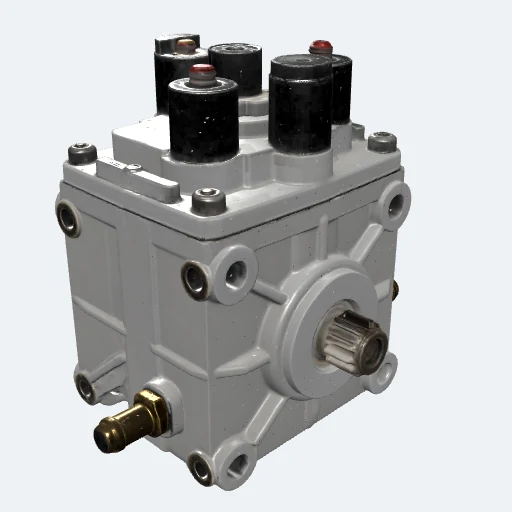
APU Fuel Control Unit
Apu (ata 49)
Open 3D object ↗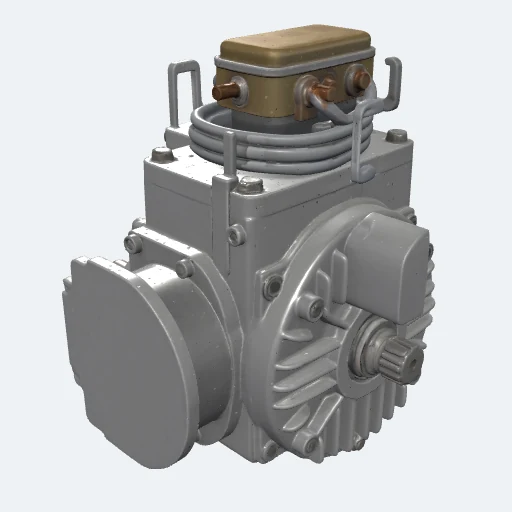
APU Starter-Generator
Apu (ata 49)
Open 3D object ↗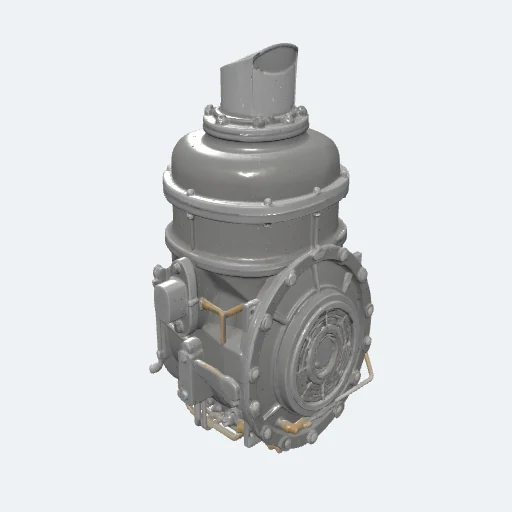
Auxiliary Power Unit (APU)
Apu (ata 49)
Open 3D object ↗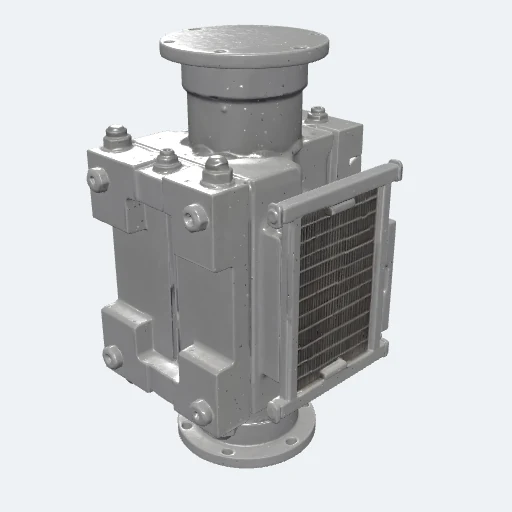
Bleed Air Precooler
Pneumatic & bleed air (ata 36)
Open 3D object ↗No matching equipment. Try another search or open the full library.
FROM CONTEXT TO ACTION
How 3D Components fits the work.
-
01
Set the task context
Inspect named parts and their function in sample equipment.
-
02
Agree the working scope
Bring the accepted source, equipment configuration and a named reviewer. Agree the supported setup and the useful outcome.
-
03
Review what changed
Compare the result with the current method. Retain evidence and require human approval before reusing a proposed change.
FOR YOUR TASK
See the experience. Agree the scope.
Explore the demonstrated setup, then agree the source material, supported devices and deployment scope for your task.
Application sign-in or product-owner access may be required.Sources, review and task evidence
Bring the accepted procedure, equipment configuration and source owner. Agree who reviews the output and what the learner or worker must demonstrate.
Compare task performance and review effort with the current method before expanding.
CONNECTED PRODUCTS
Keep the work connected.


BRING ONE VALUABLE TASK
Make the next job better.
Show us the equipment and the work people need to do.
Explore this product with your team
Ask for a walkthrough or discuss access. Existing users can sign in to their product.