

Work Loop / Field-IQ
Field-IQ Edge
See how Field IQ Edge can guide work when the cloud is unavailable.
Explore a prepared replay of the intended offline guidance experience.
PREPARED REPLAYExplore what you can do
Explore the features and open the product to get started.

FROM CONTEXT TO ACTION
How Field-IQ Edge fits the work.
-
01
Set the task context
Explore a prepared replay of the intended offline guidance experience.
-
02
Agree the working scope
Bring the accepted source, equipment configuration and a named reviewer. Agree the supported setup and the useful outcome.
-
03
Review what changed
Compare the result with the current method. Retain evidence and require human approval before reusing a proposed change.
FOR YOUR TASK
See the experience. Agree the scope.
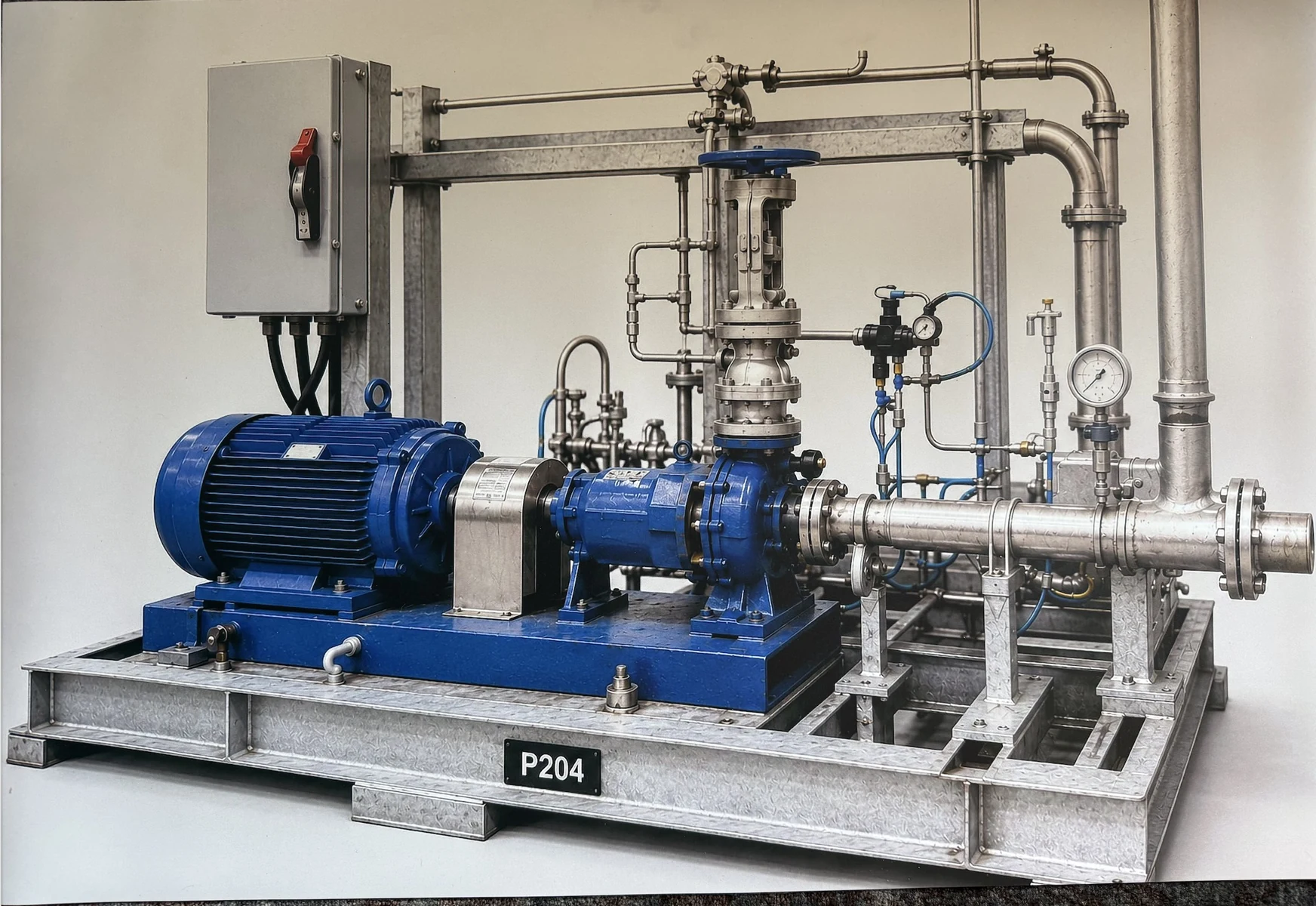
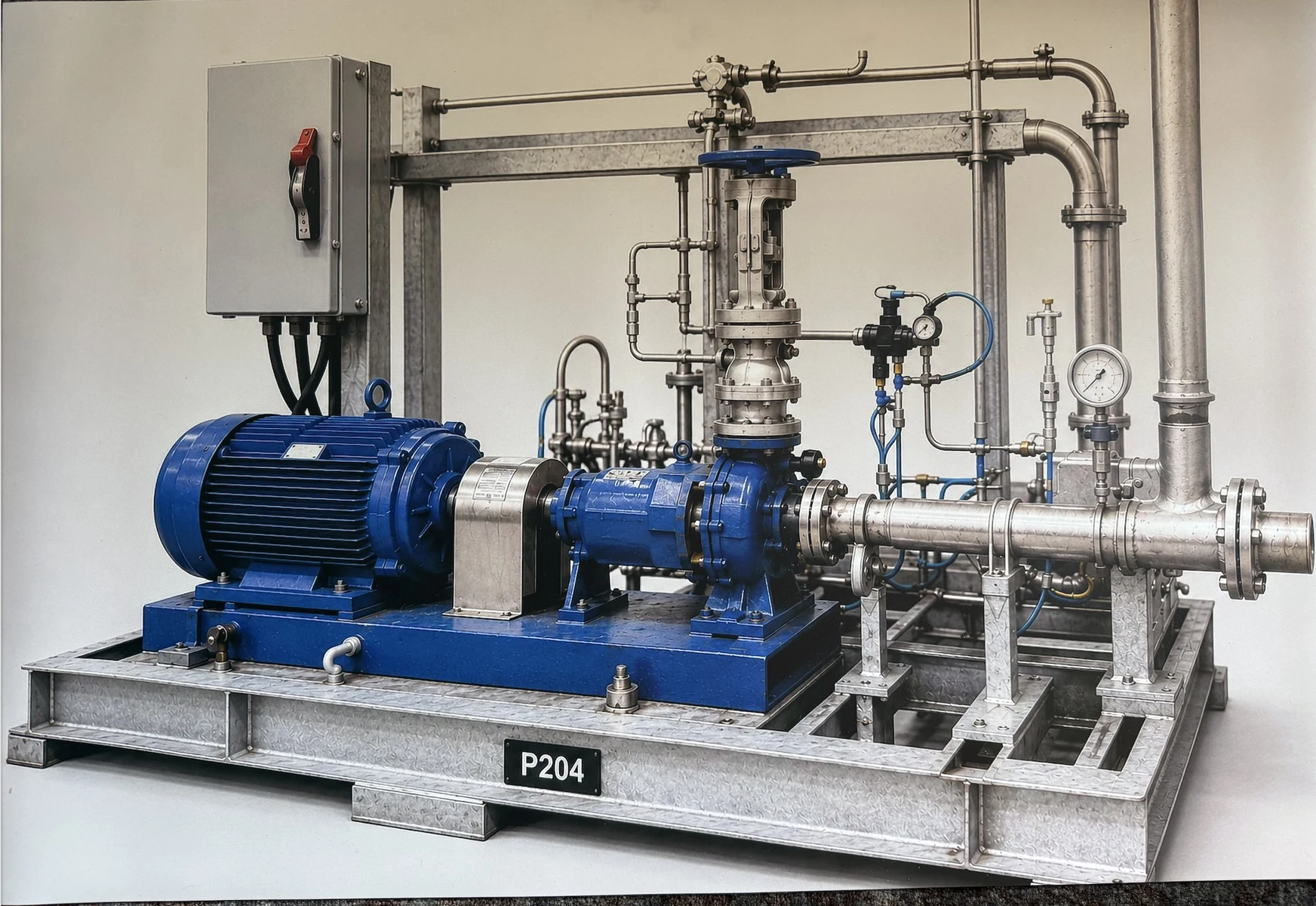
Prepared P-204 replay. Recognition and boxes are prepared, not live recognition of new photos. The web companion needs internet; the separate iPhone replay is designed without cloud calls.
Application sign-in or product-owner access may be required.Sources, review and task evidence
Bring the accepted procedure, equipment configuration and source owner. Agree who reviews the output and what the learner or worker must demonstrate.
Compare task performance and review effort with the current method before expanding.
CONNECTED PRODUCTS
Keep the work connected.


BRING ONE VALUABLE TASK
Make the next job better.
Show us the equipment and the work people need to do.
Explore this product with your team
Ask for a walkthrough or discuss access. Existing users can sign in to their product.